
From text-to-video or image-to-video generation
If you're not satisfied, regenerate or enter your own prompt.
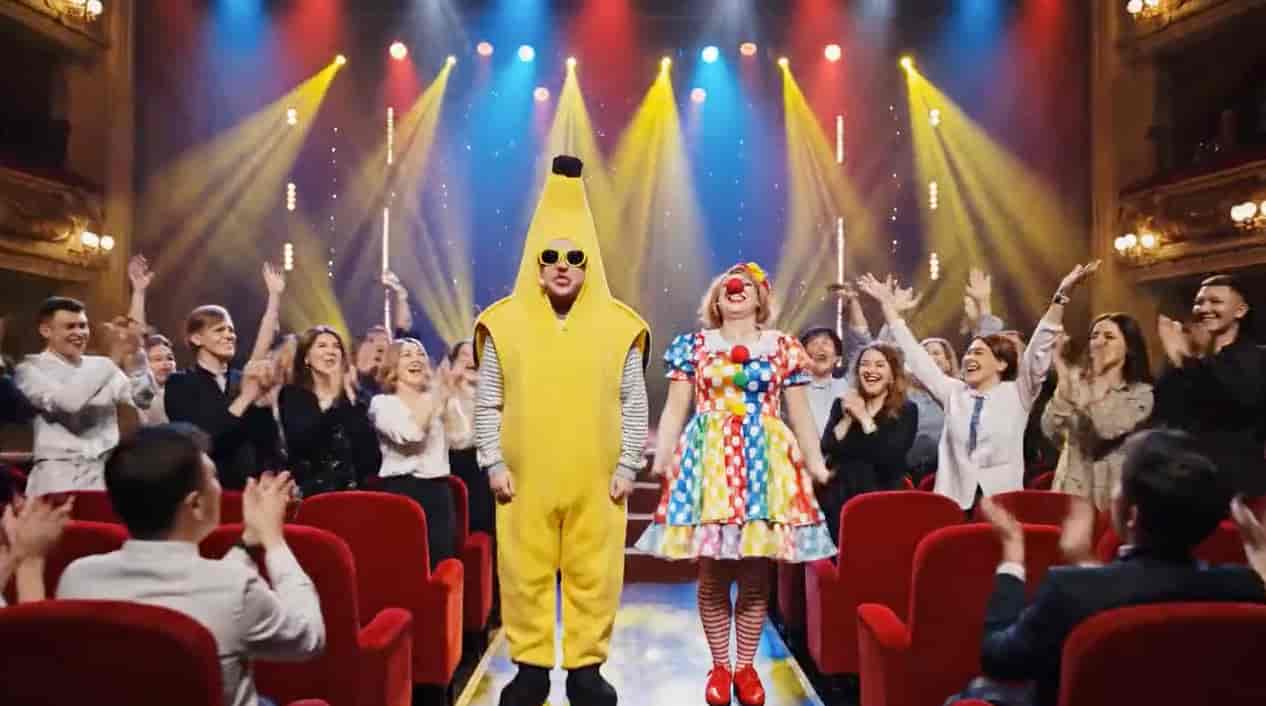
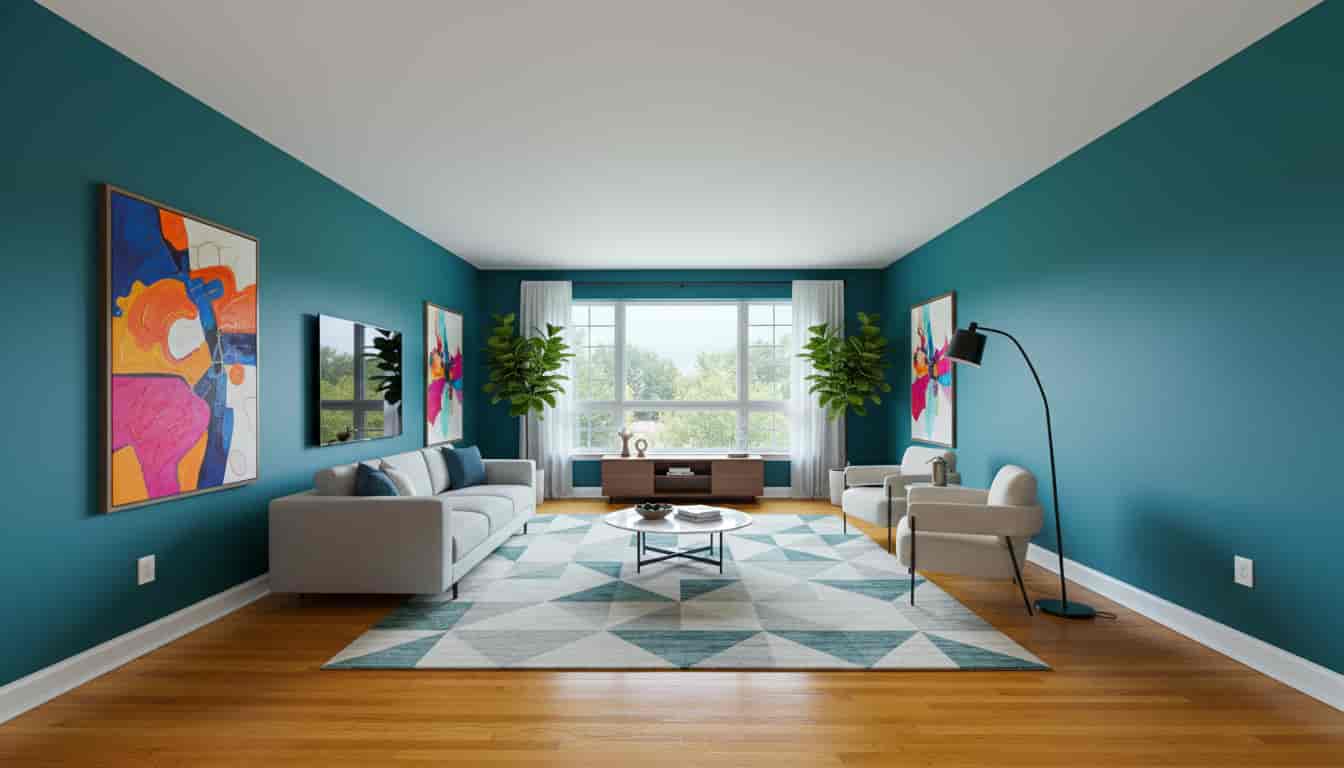
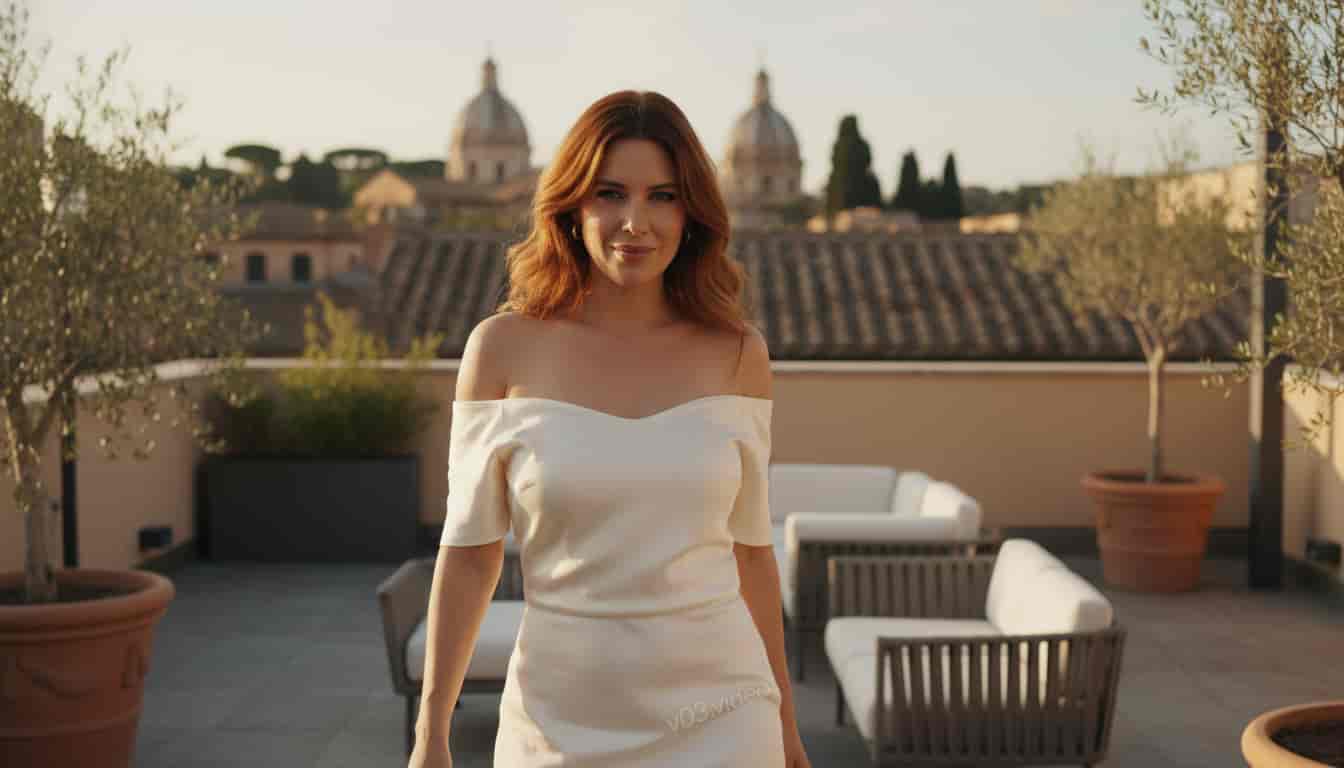

Veo 3.1 AI Video Generator
Transform your ideas into stunning videos with Google's cutting-edge Veo 3.1 AI model. Whether you're a filmmaker, marketer, or creator, create professional-quality videos with native audio, 4K resolution, and unprecedented creative control—effortlessly.
Why Choose Veo 3.1?
Discover breakthrough capabilities that set Veo 3.1 apart—enhanced realism, native audio, and versatile creative controls designed for professional video production.
Multi-Image Reference Guidance
Use multiple images to guide your video's visual direction. Provide different reference images to shape character design, lighting style, or color tone, ensuring your generated video stays visually consistent across every shot. Perfect for maintaining character identity and aesthetic coherence.
How to Create with Veo 3.1 AI Video Generator
Create professional videos in just three simple steps with our streamlined process.
Input Your Idea
Provide a text prompt, upload an image, or use a video clip to describe your vision for Veo 3.1 AI.
Generate with AI
Veo 3.1 processes your input in seconds, creating a high-quality video with audio at 720p or 1080p resolution.
Refine & Download
Adjust scenes, tweak audio details, and easily download your final video in 720p or 1080p.
What Creators Say About Veo 3.1
Hear from content creators, filmmakers, and marketers who are transforming their video production workflows with Veo 3.1 AI technology.
Sarah Mitchell
Content Creator & YouTuber
Veo 3.1 is my go-to for daily content creation. I generate stunning B-roll in minutes, and the native audio feature means I don't need separate sound editing. My audience engagement has grown significantly since I started using it!
David Chen
Marketing Director
Speed is essential in marketing campaigns, and Veo 3.1 consistently delivers. The text-to-video feature with native audio has saved us thousands in production costs while maintaining professional quality that our clients love.
Emma Rodriguez
Independent Filmmaker
The versatility is remarkable. Whether I'm exploring concepts with text prompts or refining final compositions with frame control, Veo 3.1 provides a complete creative workflow. The image-to-video capability brings my storyboards to life instantly.
Frequently Asked Questions About Veo 3.1 AI video generation
Get answers to common questions about Veo 3.1 AI video generation.
Veo 3.1 is Google's updated AI model for generating videos from text, images, or clips, released in October 2025 as a major upgrade to Veo 3. It creates professional-quality videos with enhanced realism, native audio generation, and stronger narrative control. Veo 3.1 delivers lifelike videos with synchronized sound effects, dialogue, and background audio that perfectly matches your video content.
Veo 3.1 builds on Veo 3 (released May 2025) with richer audio support, better prompt adherence, and new controls like Start & End Frame Control and Multi-Image Reference. It offers enhanced realism with true-to-life textures, improved physics simulation, and native audio generation including natural dialogues and synchronized sound effects.
Veo 3.1 accepts text prompts, static images. You can create videos from descriptive text alone, animate single images, use multiple reference images (1-3) for style guidance, or provide start and end frames for precise narrative control.
Videos can be generated in 720p or 1080p resolution at 24 fps. Initial durations range from 4-8 seconds, and with the Extend capability, videos can be extended up to over 148 seconds (more than two minutes) for longer narratives. All outputs include native audio integration.
Veo 3.1 video generation typically takes 2-5 minutes depending on the complexity of your prompt, selected quality mode (Fast Mode or Quality Mode), and current server load. The platform is optimized for rapid generation and editing, allowing for quick iterations with high adherence to prompts.
Veo 3.1 stands out with several breakthrough advantages: enhanced realism with true-to-life textures and improved physics simulation, native audio generation including natural dialogues and synchronized sound effects, versatile creative controls with Start & End Frame Control and Multi-Image Reference, high-quality outputs up to 1080p, and stronger prompt adherence for complex multi-scene instructions. Developed by Google DeepMind, Veo 3.1 brings cutting-edge AI research to practical professional video production.
Yes, all videos generated with Veo 3.1 are suitable for commercial use. The platform creates original content based on your prompts, making it perfect for marketing videos, social media content, presentations, and professional projects. Always ensure your prompts don't infringe on copyrighted materials and comply with content policies.